
Get early access to Chrome OS Flex
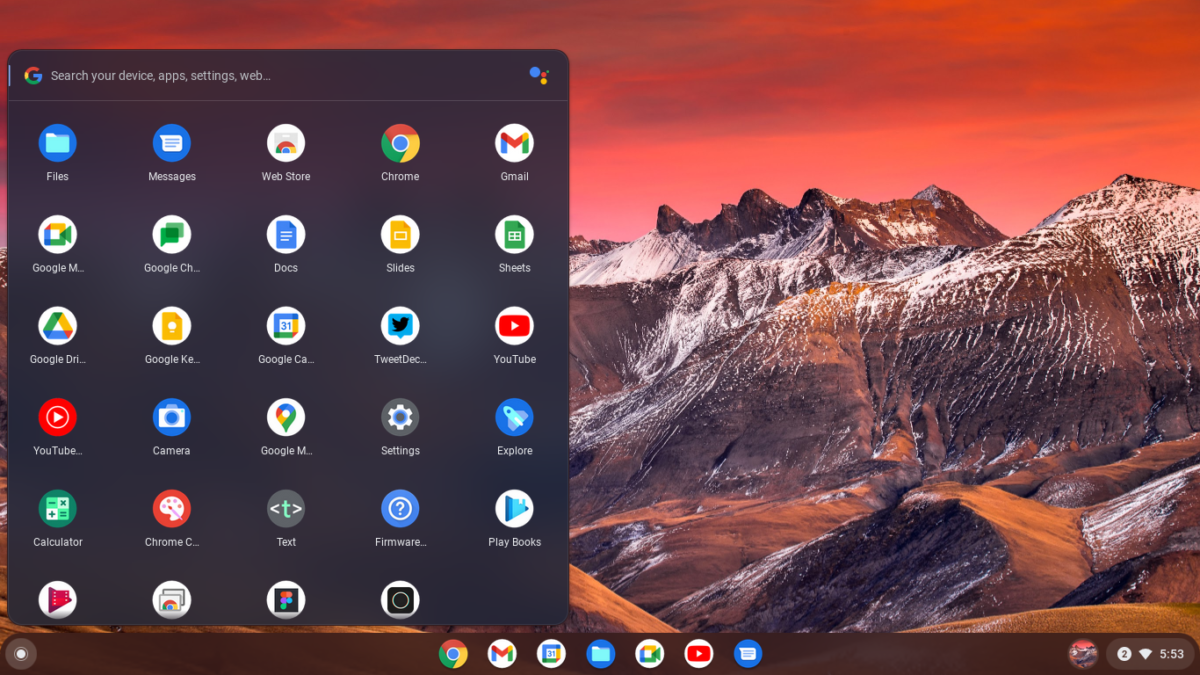
The upgrade Windows and Mac devices have been waiting for
Install Chrome OS Flex on your PCs and Macs so that they are secure, boot fast, don’t slow down over time, update automatically in the background and can be managed from the cloud.
Fast deployment and easy management
- Deploy Chrome OS Flex across your fleet via USB or network deployment and a user’s settings and policies sync to the device almost instantly
- Use the Google Admin console to manage updates and configure device policies remotely
Fast deployment and easy management
- Deploy Chrome OS Flex across your fleet via USB or network deployment and a user’s settings and policies sync to the device almost instantly
- Use the Google Admin console to manage updates and configure device policies remotely
Fast deployment and easy management
- Deploy Chrome OS Flex across your fleet via USB or network deployment and a user’s settings and policies sync to the device almost instantly
- Use the Google Admin console to manage updates and configure device policies remotely
Fast deployment and easy management
- Deploy Chrome OS Flex across your fleet via USB or network deployment and a user’s settings and policies sync to the device almost instantly
- Use the Google Admin console to manage updates and configure device policies remotely
How it works
A USB drive is all you need to experience Chrome OS Flex on your PC or Mac. It only takes a few minutes to get set up, and we’ll walk you through it.
Step 1
Create a bootable Chrome OS Flex USB drive to try Chrome OS Flex prior to installing it.
Step 2
When you’re ready, install Chrome OS Flex on your PC or Mac to replace your operating system.
Step 3
Deploy Chrome OS Flex to more devices in your organization via a USB drive or network deployment.
Chrome Webinar Series
Manage and secure your Chrome OS Flex fleet with Chrome Enterprise upgrade
Chrome Enterprise upgrade unlocks the built-in business capabilities of Chrome OS Flex devices. Use Chrome Enterprise upgrade to secure and manage them alongside Chromebooks in the cloud-based Google Admin console.
Advanced security
Remotely wipe or disable devices and enable sign-in restrictions to ensure that data stays in the right hands.
Control updates
Choose to roll out updates gradually or automatically with the added option for long-term support channel.
Granular device controls
Enable Single Sign-On, identity-free login and configure printers and Wi-Fi networks.
Reporting and insights
Pull insightful reports including 7-day active metrics, OS versions and crash reports.
Scalable, cloud-first management
Manage devices remotely in Google Admin console, use third-party UEM solutions or use Chrome Policy API to manage at scale.
Try an early version of Chrome OS Flex
Enter your information to get directed to installation instructions, see certified devices for Chrome OS Flex and learn more about known issues. Today, the OS is in early access, and you may experience some instability.